 Marina profile
Find your next berth
One marina.
Every view.
Find a marina, see where you’ll moor and check the details that matter. Bring your dates and boat size; each marina shows how to confirm your stay.
Where are you heading?
Browse all marinasBerth positionOBS-001Loading aerial view…
One berth, every view
Keep the same berth position across maps and 3D.
Detailed berth records
Compare position, vessel limits and berth services.
Plan with confidence
Check dates and fit before confirming a stay.
Know before you arrive
Review services, access and arrival details.
A simple way to plan your stay
From marina to berth in three steps.
See how it works at Marina Santa Eulalia. Change the map view, inspect a berth position and carry your dates into the marina profile.
Choose a marina
See the waterfront, facilities and services before choosing where to stay.
Check your berth
Compare the position and vessel limits with your dates and boat size.
Confirm your stay
Review a booking quote where offered, or confirm the details with the marina.
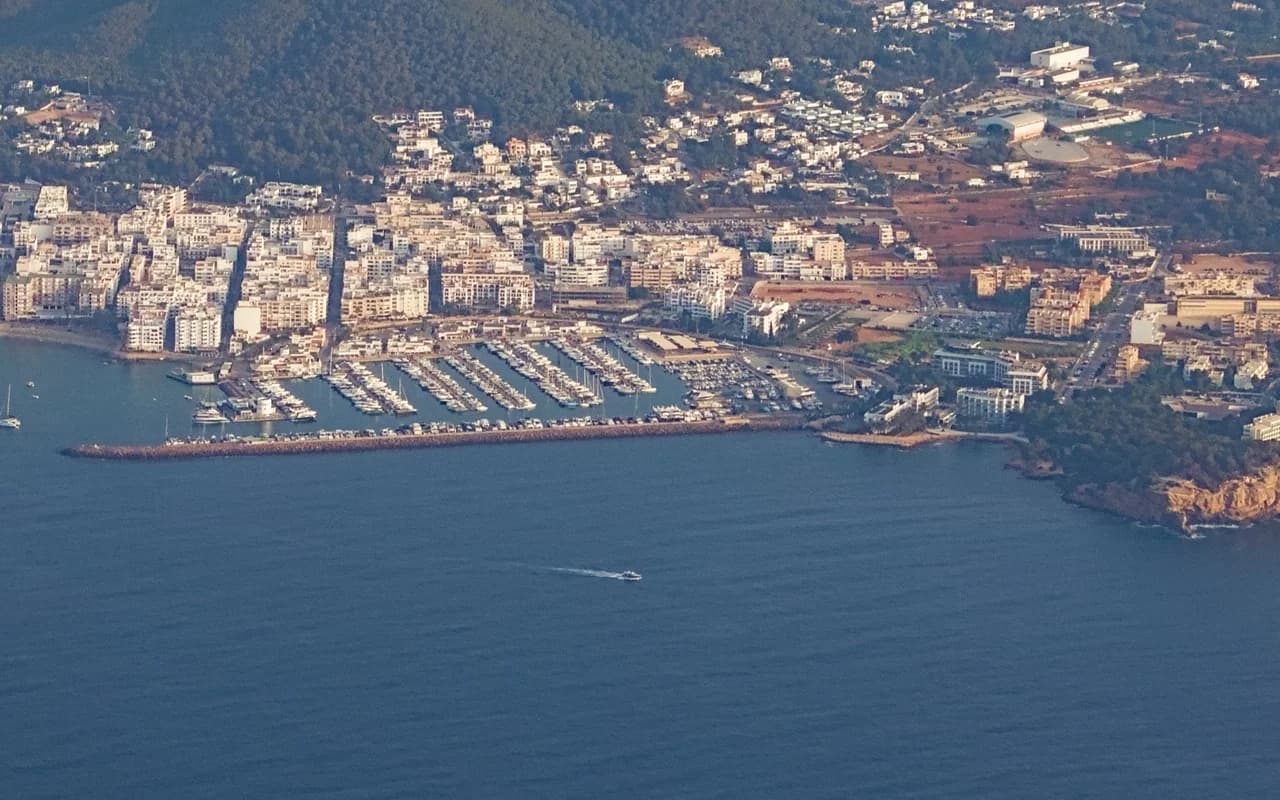
Marina Santa EulaliaSame berth position in every view
Open berth map Berth position OBS-001
- Berth code
- OBS-001
- Vessel length
- Confirm with marina
- Beam / width
- Confirm with marina
- Vessel draft
- Confirm with marina
- Nightly rate
- Rate on request
- Availability
- Contact the marina
Your 3-night stay
Nights
Nightly rateConfirm with marina
Stay totalRequest a quote
View berth details
Availability and rates for this layout require marina confirmation.
Your dates carry through to the marina profile. Selecting a berth position here does not make a reservation.
Explore the marinas
8 Ibiza marinas
Explore the waterfront, compare berth positions and look around in 3D before contacting the marina.
Availability and vessel fit require marina confirmation.
Marina profile Marina profile
 Marina profile
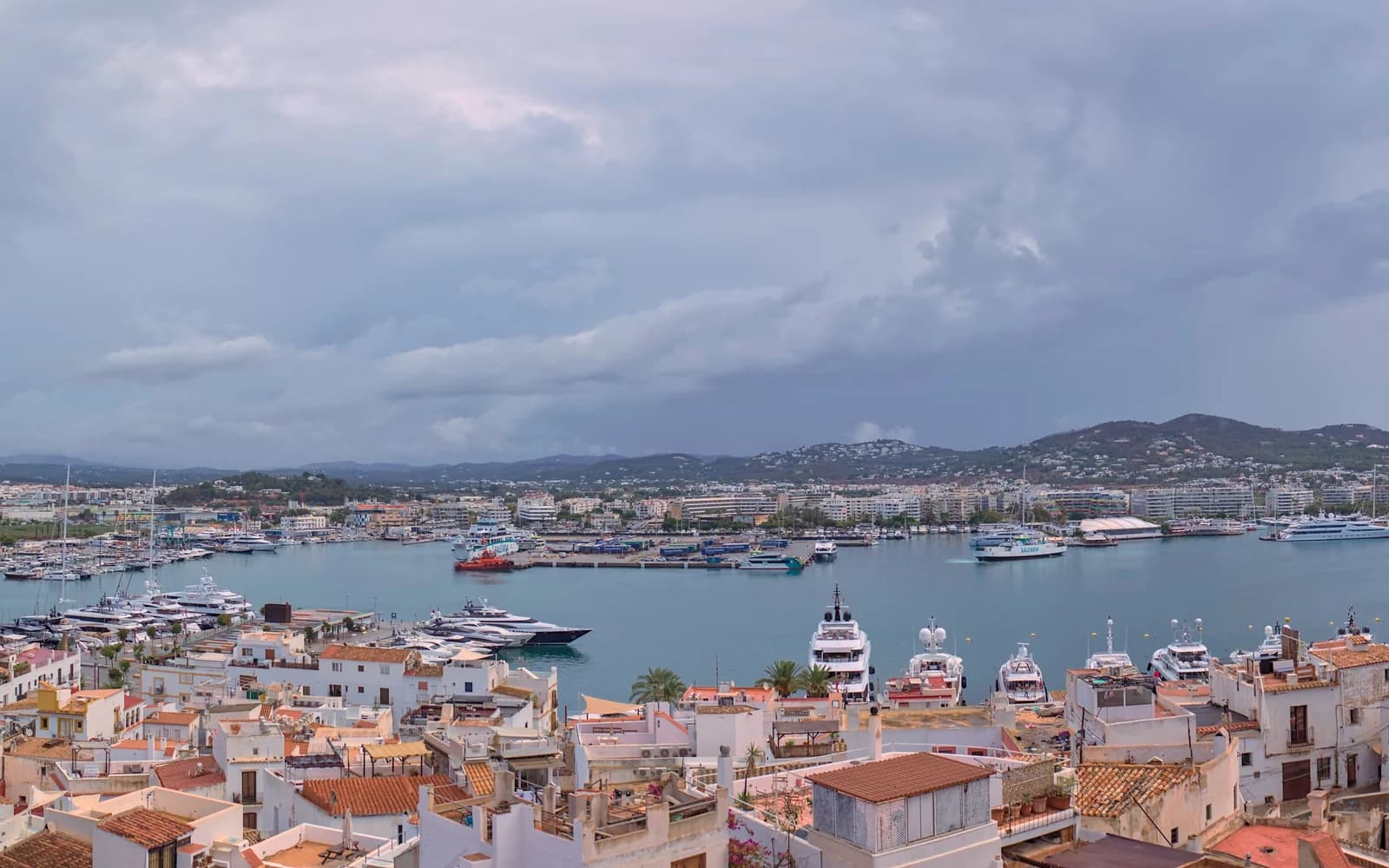
IGY Ibiza Marina
Eivissa, ES
Photo credit
Ibiza’s old-town harbour · wider setting
Photo: UnFUG-Fabi · 2024 · CC BY-SA 4.0
Resized; display crop.
Berth map, visitor details & 3D
 Marina profile
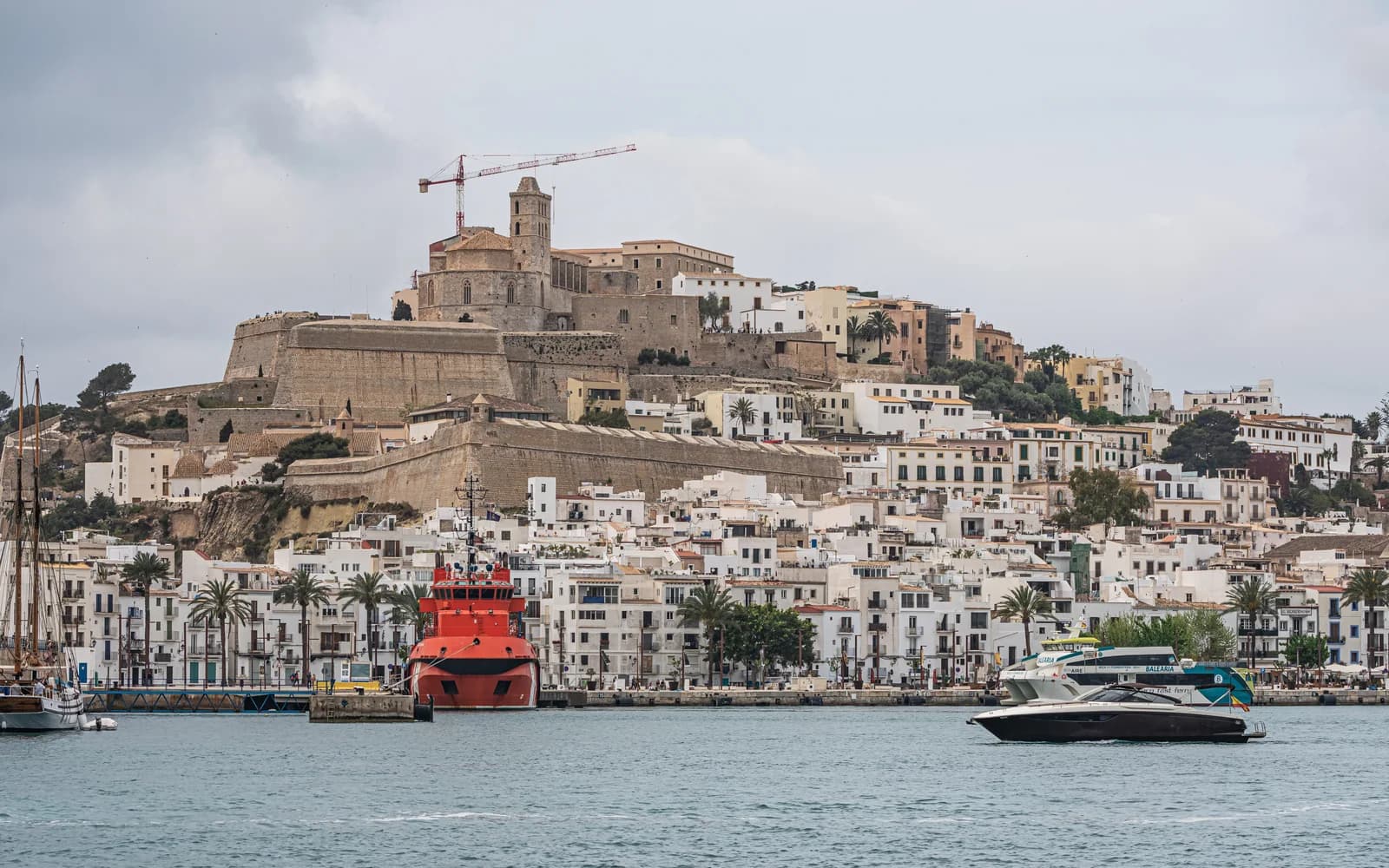
Marina Port Ibiza
Eivissa, ES
Photo credit
Dalt Vila & the old-town waterfront
Photo: A.Savin, Wikipedia · 2023 · Free Art License
Resized; display crop.
Berth map, visitor details & 3D
Showing 4 of 8 marina profiles.
View all 8 marinasMapped places are for layout reference. Contact the marina to confirm vessel suitability, availability and rates. Listing a marina does not imply operator affiliation.
Auctions & berth transfers
Explore auctions
& berth transfers.
Explore mapped places in Ibiza marinas and follow an example bid step by step. Learn what a booking holder and the marina need before a transfer can proceed.
Interactive examples are available. Real bids, transfers and payments are not open.
Explore an auction example- 01
A real berth and eligible stay
Locate the mapped place and understand the dates. A real transfer needs an eligible confirmed booking.
- 02
Fixed price or auction
Compare the formats, inspect the berth and review the amount before taking the next step.
- 03
A clear outcome
Try a practice bid with no reservation or payment. Marina approval and settlement remain required for a real transfer.
For marina teams
Your waterfront.
Your working layout.
Start with your marina’s aerial image, review the mapped places and add the details your team and visiting crews need. One saved berth record connects Studio, the public map, drawing styles and 3D.
Set up your marina- 01
Map and review your places
Check detections against the waterfront. Adjust position, alignment and size in Studio before treating an observation as a berth.
Explore marina mapping → - 02
Add the details that matter
Give each berth a code, vessel limits and rate. Keep operational status separate from date availability. Complete the marina’s services and arrival information before publishing.
Explore berth management → - 03
Keep the team on the same page
Keep the saved layout, berth details and reservations together. Review changes in your owner workspace before publishing them.
Explore the marina layouts →
Set up for a smoother visit
Get everything ready.
A quick checklist before you arrive.
0 of 6 checked · saved for this visit to the page
Frequent questions
Quick answers.
What information is included in a berth record?
A saved berth can have its own code, mapped position, vessel limits and nightly rate. The marina can add facilities and arrival information. Check any missing or unverified details directly with the operator.
How do the different views help?
The aerial image gives the place context. Cartographic, blueprint and illustrated plans offer different ways to read the same saved layout. The highlighted place keeps the same identity and position as you change views.
Where can I see the final price?
For marinas with online booking, choose dates and a suitable berth to review the complete quote before confirming. For other profiles, request the current rate directly from the marina. The stay planner below does not quote or reserve a berth.
Can I view the marina in 3D?
Yes. Use “View this berth in 3D” to open the same saved place in the marina’s 3D view. Buildings and heights are illustrative; use the marina’s own instructions for navigation and arrival.
What if my vessel is a different size?
Compare your vessel’s length overall, beam and draft with the saved limits, then ask the marina to confirm suitability. A boat detected in an old image cannot establish a safe berth size or today’s water depth.
How do I contact the marina team?
Open the marina profile for its published contact and arrival details. Ask the operator to confirm your dates, vessel dimensions, berth suitability and the final rate before arranging your arrival.