Berth management
Give each berth a place on the map and a record your team can use: its code, length, beam, draft, facilities and nightly rate.
The platform / Berth Manager
First it is a place on the map. Then a vessel's next stop, a reservation for the office and a line on an invoice. Explore the tools that connect those records.
Give each berth a place on the map and a record your team can use: its code, length, beam, draft, facilities and nightly rate.
Bring the dates, vessel, guest and berth into the same booking record. Give the dock office something useful to work from before arrival.
Start with satellite imagery or your own plan. Turn the outline into an editable berth map, then check every placement against the actual marina.
Set a base nightly rate, account for the season and define the adjustments your marina actually uses. Inspect the quote before the guest commits.
Create an invoice from a reservation's stored quote, add the marina's business identity and review the amount still owing from the invoice list.
The next person on shift needs the berth, the booking and the arrival details. Bring those records together, with the marina's operating information close at hand.
A practical setup order
Choose a clear aerial reference or upload a plan. Check that the docks you want to map are visible before asking a scan to identify individual vessels.
Read the mapping guide →Give each berth a stable code. Correct the position and angle, then enter vessel limits that the operator has checked. An attractive boat icon is only the visual part.
Build the berth record →Set rates and seasons, inspect the full quote and confirm the guest information you need. Keep the marina private while configuration and operating checks are unfinished.
Work through a quote →Check the booking reference, berth, vessel and arrival instructions. Review invoice details and payment states separately before preparing a real public booking service.
Prepare the office workflow →End-to-end architecture
Instead of copying berth codes and boat lengths between separate tools, Berth Manager links the harbour drawing, inventory dimensions, rate rules, checkout quotes and booking invoices.
Frame your marina on satellite imagery or an uploaded plan, review candidate detections and arrange rotated, aligned berth icons on an editable schematic.
Give every berth a code, zone, maximum length overall (LOA), beam, safe water draft, pontoon amenities and a base nightly rate.
Visiting skippers filter by destination, dates and boat length, inspect arrival rules and complete checkout against berths that fit their vessel.
The dock office reviews reservations, vessel details and payment status, shares arrival instructions for the next shift and generates invoices from saved quotes.
Studio defines the geographic layout and berth objects. The booking flow uses the approved inventory, vessel limits and dates. Pricing settings produce the quote, and the invoice workflow follows the saved booking amount.
The owner dashboard also keeps operating information, team access and performance records close to the day-to-day work. Booking value and money collected online are shown separately so a pending reservation does not look like a bank receipt.
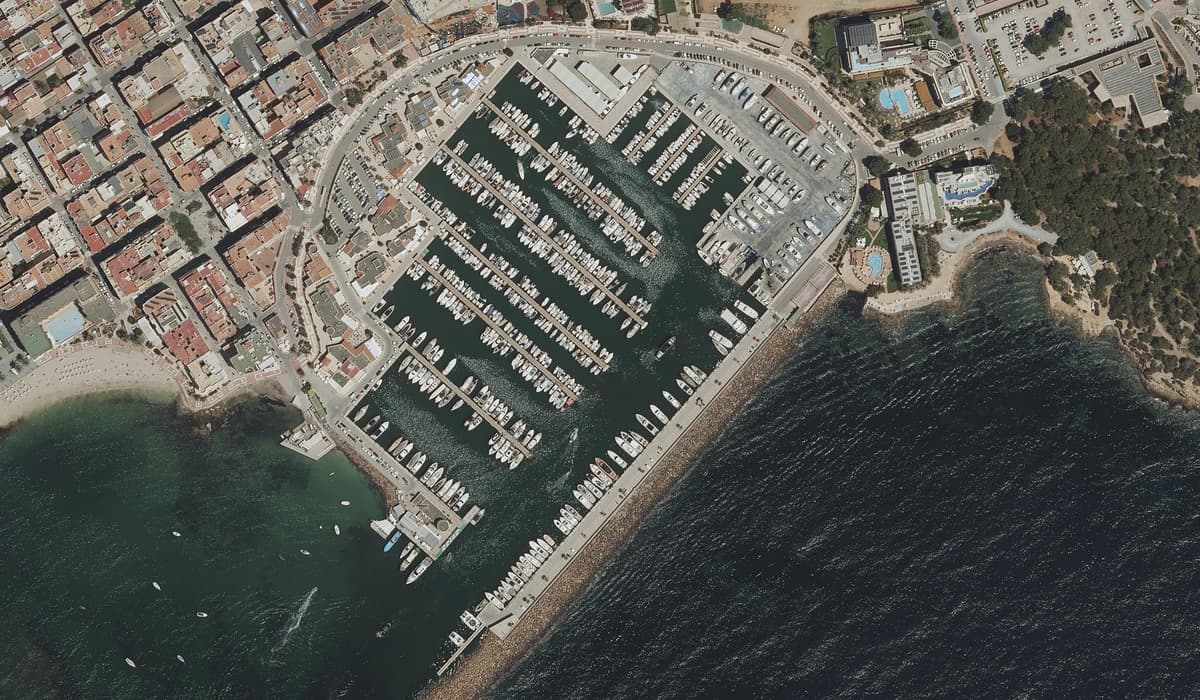
Explore the Ibiza marinas
Select a saved place and compare the cartographic, blueprint and illustrated styles. Open the 3D view to see the same place in the context of the marina.
Mapped places help you understand the layout. Contact the marina for confirmed vessel limits, availability and rates. A profile does not imply operator affiliation or an offer to book.
Is it the right fit?
The current platform focuses on mapped berth inventory and nightly marina stays. It suits an owner who wants to prepare a clear layout, set rates, publish useful arrival information and work from connected booking records.
If you need annual lease contracts, fuel point of sale, automatic utility meter billing or an accounting integration, discuss those requirements before choosing a system. Those are separate workflows from the features described here.
Ask about your marina's requirementsPlatform questions
Yes. Every new marina starts as a private draft that is excluded from public search and directory listings. You can map berths in Studio, review seasonal pricing and review arrival instructions before enabling public reservations.
No. Boaters browse the public marina directory, check vessel fit and manage their bookings in the browser, while marina owners and authorized team members use the dashboard, Studio map editor, booking desk and invoice workspace.
The site offers language options including English, Spanish, French, Italian, Greek, Turkish, Arabic, Swedish, Danish, Norwegian Bokmål and Finnish. Review the languages your guests use, including your own marina descriptions, arrival instructions and legal information. A language option does not replace a professional review of local operating terminology.
Yes. Organization access allows authorized managers and harbour staff to switch between multiple marinas in the dashboard, keeping each harbour's berth map, pricing rules, bookings and invoices clearly separated.
Create a private marina draft and work through the details at your own pace.